
Roll a Barber RNG Backpack: Equip Your Best Barbers
Learn how to use the Roll a Barber RNG backpack, equip your best barbers, fill new chairs, and pair your lineup with upgrades that keep your shop earning.
Jump to
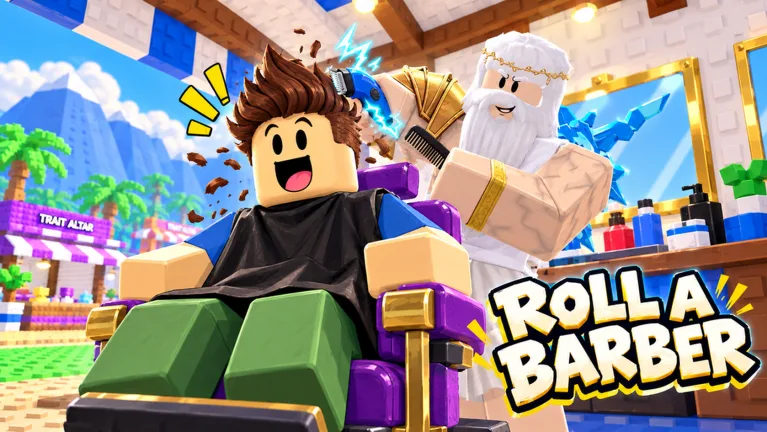
How to Use the Roll a Barber RNG Backpack
Your next useful barber could already be sitting in your Roll a Barber RNG backpack. Open it after rolling and use Equip Best to put your strongest available barbers to work, helping your shop earn more money. Make the Roll a Barber RNG backpack part of your upgrade routine so you remember to update your workers when you unlock another chair.
The backpack is where you manage the barbers you collect through rolls. The basic loop connects three things: rolling for workers, equipping your lineup, and expanding the shop that gives those workers somewhere to cut hair.
Getting a rare barber is exciting, but checking your lineup is the practical follow-through. Keep that habit going as your shop grows.
| Step | What to Do | What to Check |
|---|---|---|
| Roll | Use the roll feature to collect barbers | Which barber you received |
| Open the backpack | Review your collected workers | Whether you have a new addition |
| Equip your lineup | Use Equip Best | Your equipped barbers |
| Return to your shop | Look at the working chairs | Whether your available chairs have workers |
| Continue upgrading | Open more chairs as you progress | Whether another barber needs equipping |
Start With Your Tutorial Rolls
Follow the opening tutorial through its rolls, then open the backpack and equip the barbers you receive. Once a worker is assigned, you can see a barber cutting hair in your shop.
Make that your introduction to the whole system. Rolling adds workers to your collection; equipping connects that collection to your shop.
Afterward, revisit the backpack whenever you get an exciting result or expand your seating. You do not need a complicated management routine to start benefiting from it.
The useful question is simple: does your current lineup reflect what you have collected? Use the Roll a Barber RNG backpack to answer that before moving on to another round of purchases.
Equip Best and Check Your New Barbers
Equip Best gives you a quick way to update your lineup without choosing every worker individually. Use it after collecting more barbers, especially when a roll produces something stronger than your starting workers.
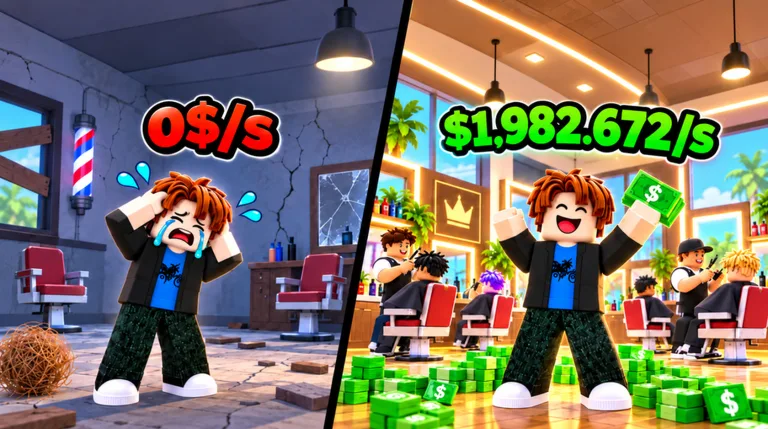 Image: Roblox / Roll a Barber Studio
The Roll a Barber RNG backpack becomes particularly useful once you have several workers and multiple chairs. At that point, opening it is about managing an expanding shop rather than equipping your tutorial recruits.
Barbers you can encounter include Basic Bob, Shave Steve, Silver Clip Carl, and King Cuts. King Cuts has a displayed roll chance of 1 in 28,000. The null barber has a displayed chance of 1 in 170,500.
Those numbers describe the named roll results. Keep your attention on updating the lineup when you collect a valuable addition.
| Barber | Detail |
|---|---|
| Basic Bob | A barber obtainable through rolling |
| Shave Steve | A barber obtainable through rolling |
| Silver Clip Carl | A barber obtainable through rolling |
| King Cuts | Legendary barber with a displayed 1-in-28,000 chance |
| The null barber | Secret barber with a displayed 1-in-170,500 chance |
Check the Shop After Equipping
After using Equip Best, return to your barber shop and look at your workers. This keeps your collection management connected to the actual business you are building.
Pay attention to your income display as you make changes. Stronger barbers can increase earnings, while chairs and other upgrades contribute to the shop around them.
Make changes deliberately. Equip your new lineup, look at the shop, and then decide which upgrade to buy next. That sequence helps you keep track of what you have just improved.
Avoid turning every roll into a lengthy inspection. Use Equip Best as a quick checkpoint, then get back to rolling, buying upgrades, or collecting rewards.
Unlock Chairs and Give Your Workers Somewhere to Work
A growing collection needs a growing shop. Additional chairs let you put more barbers to work, so chair upgrades and backpack management belong in the same routine.
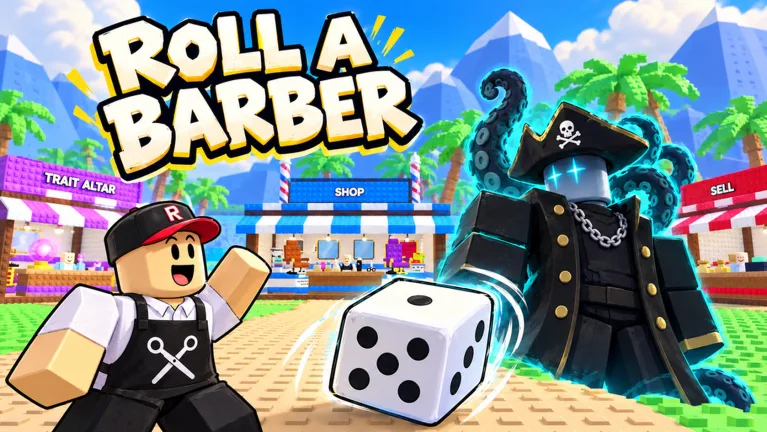 Image: Roblox / Roll a Barber Studio
When you unlock another chair, open your backpack again and equip your lineup. Repeat this as you expand beyond your starting setup.
Keep the surrounding upgrades in view, too. More chairs, more customers, and faster cutting all appear in the shop's progression. They address different parts of running the business, so check the skill tree alongside your worker collection.
| Upgrade | What It Changes | Follow-Up Action |
|---|---|---|
| Additional chairs | Expands the shop's seating for barbers | Reopen the backpack and equip workers |
| Customer upgrades | Increases customer count | Check the flow through your shop |
| Cutting upgrades | Speeds up haircuts | Watch your barbers serving customers |
| Money upgrades | Improves money flow | Check your income as you continue |
| Luck upgrades | Improves rolling luck | Continue rolling for new barbers |
Connect Each Chair Purchase to a Backpack Check
Use this sequence whenever you expand:
- Purchase the available chair upgrade.
- Open your backpack.
- Use Equip Best or equip a worker for the new chair.
- Return to your shop and look at the expanded lineup.
- Check the skill tree for your next affordable improvement.
This gives every chair purchase a clear follow-through. It also keeps you from buying a chair and immediately getting distracted by another menu.
Keep Equipment in the Routine
The shop also offers equipment upgrades. Razors, hair dryers, and mirrors are part of that progression, alongside dice purchases.
Check those options when you visit the shop, then return to managing your barbers. Your worker lineup and equipment purchases are both part of developing the business.
Use the Roll a Barber RNG backpack after adding seating, and review the broader upgrade menus when you are ready to spend your earnings. That keeps each visit focused on a specific task.
Unlock Auto Roll and Keep Your Lineup Current
Auto Roll unlocks after 30 rolls. Reach that requirement through manual rolling, then turn it on to continue collecting barbers automatically.
That milestone changes how you spend your attention. You can let rolls continue while you check upgrades, rewards, and your shop's progress.
Keep the Roll a Barber RNG backpack in that routine. Automatic rolling keeps new results coming, so revisit your collection and use Equip Best as you progress.
Work Toward the 30-Roll Unlock
During the opening stretch, keep rolling while your equipped workers serve customers. Spend earnings on available upgrades, and return to the roll feature as you work toward Auto Roll.
Once it unlocks:
- Turn on Auto Roll.
- Check your backpack after collecting more workers.
- Use Equip Best to update your lineup.
- Review chair upgrades as your earnings grow.
- Collect completed quest and playtime rewards.
This is a practical rhythm for managing several systems without losing track of your workers.
Pair Rolling With Luck and Speed Upgrades
The skill tree includes luck and faster-roll upgrades. Dice purchases also contribute to rolling progression, with Wooden Dice and Bone Dice appearing among the shop options.
Check these upgrades while working on your collection. Faster rolling and improved luck support the search for stronger barbers; your backpack is where you manage the workers that result.
Keep those purchases connected to your shop, too. Revisit chair upgrades when you have workers ready to equip, then continue building the lineup.
You can work toward the Auto Roll requirement through manual rolls. Give yourself that progression target before deciding whether any paid rolling extras fit how you want to play.
Build a Backpack Routine Around Shop Progress
The Roll a Barber RNG backpack works best as a regular checkpoint between collecting workers and expanding your business. Keep the routine short enough that you will actually repeat it.
Start by checking your lineup, then look for a specific upgrade. Finish by collecting any ready rewards and returning to your rolls.
This gives you a clear task whenever several menus compete for your attention.
Understand What the Paid Extras Change
The game offers several passes related to collecting barbers and earning money. Their listed prices on October 22, 2026, are below.
These passes change particular systems. Choose based on the benefit you want, and continue checking your equipped workers as your collection grows.
| Game Pass | Price | Listed Effect |
|---|---|---|
| Double Roll | 399 Robux | Gives two barbers per roll |
| Luck 2x | 149 Robux | Doubles rolling luck |
| Ultra Luck 4x | 349 Robux | Gives 4x rolling luck; stacks with Luck 2x for x6 |
| Money 2x | 249 Robux | Doubles money earned by your barbers |
| 2x Mutation Luck | 329 Robux | Makes mutations twice as likely |
For mutation-focused collecting, the mutation pass names Silver, Gold, Rainbow, Encrypted, and weather mutations among its effects.
Choose a rolling pass for its rolling benefit or an earnings pass for its money benefit. Keep that distinction clear when deciding where to spend Robux.
Collect Rewards Between Upgrades
Playtime rewards can include potions, and completed quests offer claimable rewards. Daily rewards are also available through an NPC.
Check these when you take a break from rolling or visit the other shop systems. Then return to your lineup and upgrades with your next task in mind.
Keep this checklist handy:
- Open the Roll a Barber RNG backpack after collecting new workers.
- Use Equip Best.
- Equip workers after unlocking another chair.
- Review customer, cutting, money, and luck upgrades.
- Check equipment purchases.
- Claim ready quest, playtime, and daily rewards.
You can play Roll a Barber RNG on Roblox and start with the tutorial rolls. Build the habit of checking your backpack early, then carry it forward as your shop adds chairs and your collection grows.
FAQ
What does the Roll a Barber RNG backpack do?
The backpack lets you view and equip the barbers you collect through rolling. Open it after getting new workers or unlocking another chair, then use Equip Best to update your lineup. Your equipped workers handle haircuts in your shop.
How do you equip your best barbers?
Open the backpack and select Equip Best. Return to your shop afterward to look at your working lineup. Repeat the process as you collect more barbers and expand your seating.
When does Auto Roll unlock?
Auto Roll unlocks after 30 rolls. Complete the requirement with manual rolls, then turn on the automatic feature. Continue checking your backpack and chair upgrades while collecting more workers.
What should you do after buying another chair?
Open your backpack and equip a worker for the additional chair. Use Equip Best to update the lineup, then return to the shop. Check your customer and cutting upgrades as you continue expanding.
Continue with
 Roll a Barber RNG Chair Upgrades: Unlock More SeatsLearn how Roll a Barber RNG chair upgrades work, unlock more seats, equip extra barbers, and balance customers and cutting speed to grow your shop income.
More in Guide

Roll a Barber RNG Farm Money During Active Play: Tips
Roll a Barber RNG farm money during active play with smarter worker swaps, chair upgrades, auto-roll, and reward claims. Build your shop's earning power.
Roll a Barber RNG Guide: Rolls, Upgrades, and Rewards
Use this Roll a Barber RNG guide to unlock auto-roll, equip stronger barbers, upgrade your shop, and collect rewards while building your barber business.
Roll a Barber RNG Rebirth: Costs and Progression Tips
Plan your Roll a Barber RNG rebirth with tips on the money reset, the 970 million requirement, barber upgrades, auto-roll, and building steady shop income.
Roll a Barber RNG Skill Tree: Upgrade Priority Guide
Use the Roll a Barber RNG skill tree to grow your shop with chairs, customers, cutting speed, luck, and faster rolls. Learn what to upgrade as you expand.
Join the community
Official channels for news, updates and player help: