
Roll a Barber RNG Skill Tree: Upgrade Priority Guide
Use the Roll a Barber RNG skill tree to grow your shop with chairs, customers, cutting speed, luck, and faster rolls. Learn what to upgrade as you expand.
Jump to
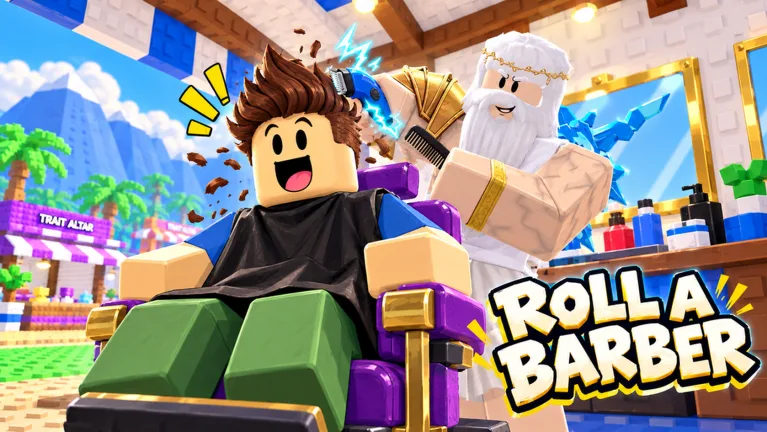
What Should You Upgrade in the Roll a Barber RNG Skill Tree?
A legendary barber is exciting, but the Roll a Barber RNG skill tree gives you more ways to grow your shop. Chairs, customers, cutting upgrades, and money upgrades all contribute to running the business alongside your barber collection. Use the Roll a Barber RNG skill tree to address whatever is holding up your shop, then invest in luck and faster rolls as you expand.
In the October 2026 Halloween version, the tree includes upgrades for shop capacity, customers, cutting, money, luck, and rolling speed. Your spending decisions connect two activities: earning money from haircuts and rolling for stronger barbers.
Start by rolling barbers, opening your backpack, and equipping them. Then check the tree against what is happening inside your shop.
| Upgrade | What it changes |
|---|---|
| Chairs | Adds seating for additional working barbers |
| Customers | Increases the customer count |
| Cutting | Speeds up the haircut process |
| Money | Increases money earned |
| Luck | Improves luck for barber rolls |
| Faster rolls | Speeds up rolling |
Spend with a specific purpose. Add a chair when you have another barber to equip. Increase customers as your shop expands. Upgrade cutting when you want faster service, and put money into rolling upgrades when you want to work on your collection.
Avoid buying something simply because its button is affordable. Check the shop, check your backpack, and choose an upgrade that supports your next move. An extra seat and an extra barber belong in the same expansion plan.
The tree also deserves attention after a strong roll. Equip the new barber, watch your income, and revisit the upgrades that were previously beyond your budget.
Build Around Chairs, Barbers, and Customers
Chair unlocks give your additional barbers somewhere to work. Buying a chair is only part of the job: open your backpack afterward and equip a barber for the expanded shop.
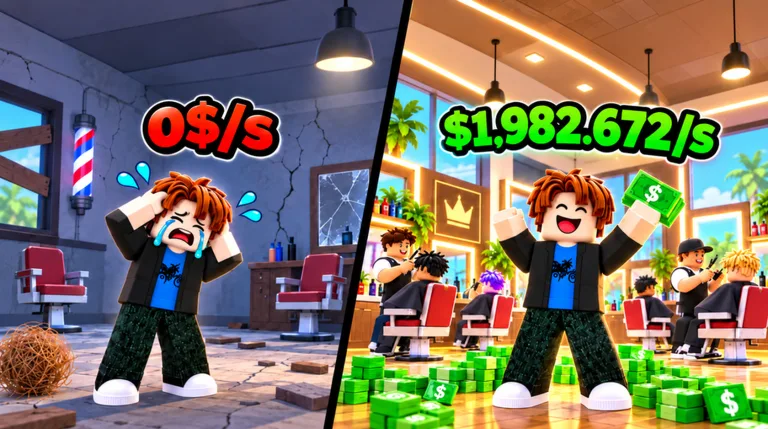 Image: Roblox / Roll a Barber Studio
Keep that connection in mind whenever you spend on capacity. A growing collection gives you more workers to choose from, while chair upgrades let you put additional workers into the business.
Follow this sequence when expanding:
- Open your backpack and check your available barbers.
- Buy the next chair when you can afford its unlock.
- Equip a barber for the additional seat.
- Return to the shop and check your workers.
- Revisit customer and cutting upgrades.
For example, after unlocking your second chair, return to the backpack and equip another barber. After adding a later chair, repeat the same check instead of assuming the purchase finished your setup.
Use this checklist to connect each purchase with its follow-up:
| After this action | Do this next |
|---|---|
| Roll a stronger barber | Open the backpack and update your equipped workers |
| Unlock another chair | Equip a barber for the additional seat |
| Expand your working lineup | Review the customer upgrade |
| Increase customers | Check cutting upgrades alongside the larger customer count |
The Roll a Barber RNG skill tree lets you develop several parts of the shop, so keep those parts moving together. Avoid spending your entire session expanding seating while overlooking the barbers who will fill it.
Customer upgrades deserve the same attention. More customers are part of the shop’s growth, but continue checking your workers and haircut speed as you increase the customer count.
Before leaving the backpack, review your lineup again. Use its option to equip your best barbers, especially after several rolls. That gives your new pulls a role in your shop instead of leaving them unused in your collection.
Pair Cutting Speed With Money Upgrades
Cutting and money upgrades support different parts of your income loop. Cutting upgrades speed up haircuts; money upgrades increase earnings. Review both when deciding how to spend your next batch of cash.
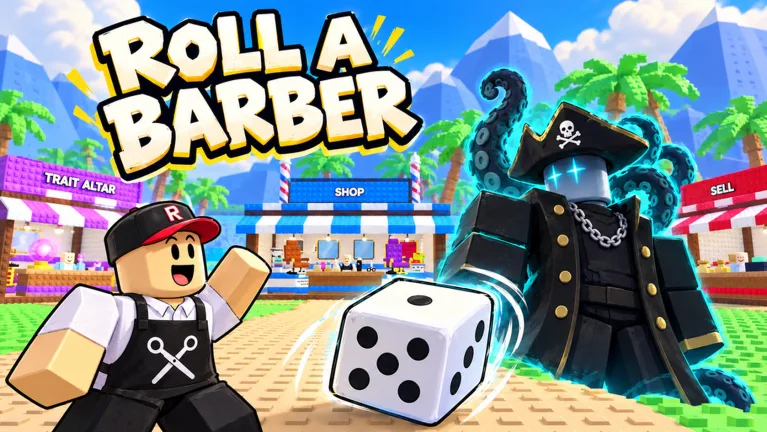 Image: Roblox / Roll a Barber Studio
Watch a few customers move through the shop before purchasing. Pay attention to the haircut process, your available upgrade buttons, and the money you need for your next chair or equipment purchase.
Then make a deliberate choice:
- Upgrade cutting to shorten the haircut process.
- Upgrade money to increase earnings.
- Add customers as you develop the shop.
- Recheck chair unlocks when you have another barber ready.
Treat these as connected decisions rather than a fixed shopping list. A new barber can change your income, and another chair changes how many workers you can put into service. Revisit the tree after either upgrade.
Keep an eye on the regular shop, too. Progression includes equipment upgrades alongside the skill tree. Scissors, razors, hair dryers, and mirrors all appear among the items you can upgrade.
Compare those purchases with your current tree options before spending. If you have been buying only skill-tree nodes, visit the equipment shop and inspect what is available. If you have been concentrating on equipment, return to the tree and check your chairs, customers, and cutting upgrades.
In the Roll a Barber RNG skill tree, choose a purchase you can connect to a clear goal. “Add a working barber” or “speed up haircuts” gives you a more useful target than buying whichever upgrade catches your eye.
Once you make the purchase, return to the business. Watch the result, collect more money, and choose your next goal.
Unlock Auto Roll and Develop Your Rolling Upgrades
Auto roll unlocks after 30 rolls. Work toward that milestone while building your initial barber lineup, then turn it on to continue rolling automatically.
Auto roll, faster rolls, and luck have separate functions. Auto roll handles repeated rolling. Faster-roll upgrades increase rolling speed. Luck upgrades improve luck for your pulls.
| Rolling feature | Function or unlock |
|---|---|
| Manual rolling | Gives you barber pulls while working toward auto roll |
| Auto roll | Unlocks after 30 rolls |
| Faster-roll upgrades | Increase rolling speed |
| Luck upgrades | Increase rolling luck |
Reach the auto-roll requirement, activate it, and keep checking your backpack as you develop the shop. After a useful pull, update your equipped barbers before returning to upgrades.
Avoid treating a rolling session as the end of your progression routine. The new barbers belong in your working lineup, and your shop still has chairs, customers, cutting, and money upgrades to consider.
The Roll a Barber RNG skill tree includes luck upgrades, while dice are another purchase to inspect at the shop. Wooden Dice and Bone Dice appear during progression. Check the dice available to you alongside your tree’s rolling options.
Separate your goals before spending. Upgrade faster rolls when you want quicker rolling. Upgrade luck when you want to improve your rolling luck. Buy a chair when your goal is to employ another barber.
Robux purchases also include separate luck options. Luck 2x doubles rolling luck, while Ultra Luck 4x provides four times luck. Together, their stated combination is six times luck. Double Roll is a different pass that gives two barbers per roll.
Keep those effects distinct when comparing purchases. Double Roll changes the number of barbers received, while the luck passes affect luck. Continue using the tree’s upgrades as part of your regular progression decisions.
Keep Upgrades Moving With Rewards and a Repeatable Routine
Rewards give you another reason to step away from the tree briefly. Check playtime rewards, completed quests, and the daily reward NPC during your session.
Playtime rewards include potions, and completed quests have claimable rewards. Visit the daily reward NPC when your next daily claim becomes available.
| Reward activity | What to check |
|---|---|
| Playtime rewards | Claim available rewards, including potions |
| Quest board | Review completed quests and claim their rewards |
| Daily reward NPC | Return for the next available daily claim |
Claim available rewards before settling into another stretch of rolling and upgrades. Keep the routine short so you can return to the shop with your next purchase in mind.
Use this progression loop:
- Roll for barbers, using auto roll after unlocking it.
- Open your backpack and equip your strongest available lineup.
- Check whether another chair is affordable.
- Review customers, cutting, and money upgrades.
- Inspect luck and faster-roll upgrades.
- Visit the equipment shop and claim available rewards.
Repeat the loop after a strong pull or a shop expansion. Those are useful moments to reassess your spending because your workers or working capacity have changed.
The Roll a Barber RNG skill tree does not need to be approached as one rigid upgrade order. Match your next purchase to the task you want to accomplish. Fill an additional chair, speed up haircuts, increase earnings, or develop your rolling setup.
During the October 2026 Halloween event, the Hunt also offers candy collection. Make room for event activities if you want to participate, then return home and review your shop before continuing your upgrades.
For your next session, leave yourself a concrete target: another staffed chair, a cutting upgrade, or the next luck purchase. Open Roll a Barber RNG on Roblox, check your current lineup, and work toward that target.
FAQ
What should I upgrade in the Roll a Barber RNG skill tree?
Match the purchase to your current goal. Unlock another chair when you have a barber to equip, increase customers as you expand, and review cutting and money upgrades. Include luck and faster rolls when developing your rolling setup.
How do you unlock auto roll?
Complete 30 rolls to unlock auto roll, then activate it. Check your backpack during your session and update your equipped barbers after useful pulls.
What should you do after buying another chair?
Open your backpack and equip a barber for the added seat. Return to the shop to check your workers, then review customer and cutting upgrades alongside the expanded lineup.
Are luck and faster rolls the same upgrade?
No. Luck upgrades increase rolling luck, while faster-roll upgrades speed up rolling. Auto roll is another separate feature: it automates rolling after you reach the 30-roll unlock requirement.
Continue with
 Roll a Barber RNG Worth It? Gameplay and Pass GuideIs Roll a Barber RNG worth it? Compare its barber rolls, shop upgrades, Halloween activities, and Robux passes before you spend your time or money in game.
More in Guide
Roll a Barber RNG Backpack: Equip Your Best Barbers
Learn how to use the Roll a Barber RNG backpack, equip your best barbers, fill new chairs, and pair your lineup with upgrades that keep your shop earning.
Roll a Barber RNG Chair Upgrades: Unlock More Seats
Learn how Roll a Barber RNG chair upgrades work, unlock more seats, equip extra barbers, and balance customers and cutting speed to grow your shop income.

Roll a Barber RNG Farm Money During Active Play: Tips
Roll a Barber RNG farm money during active play with smarter worker swaps, chair upgrades, auto-roll, and reward claims. Build your shop's earning power.
Roll a Barber RNG Guide: Rolls, Upgrades, and Rewards
Use this Roll a Barber RNG guide to unlock auto-roll, equip stronger barbers, upgrade your shop, and collect rewards while building your barber business.
Join the community
Official channels for news, updates and player help: