
Roll a Barber RNG Controls: Rolling and Shop Guide
Learn Roll a Barber RNG controls for rolling, equipping barbers, unlocking Auto Roll, and upgrading your shop. Follow the steps to keep chairs staffed.
Jump to
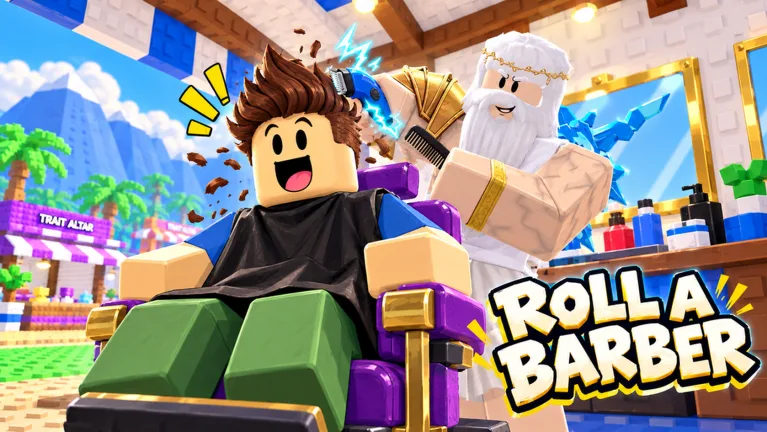
Roll a Barber RNG Controls: What to Select
Your next barber roll could improve your shop, but that worker needs a place on your floor. Roll a Barber RNG controls center on rolling, managing your backpack, and buying upgrades so your barbers can serve customers automatically. Learn the Roll a Barber RNG controls below to put new workers to use, unlock Auto Roll, and keep your shop growing.
The main interactions happen through on-screen controls, menus, and NPC conversations. Start with the tutorial’s roll prompt, open your backpack to equip workers, and use the skill tree to expand your business. Once your barbers are working, the haircut process runs automatically.
| Control or menu | What you do | What it handles |
|---|---|---|
| Roll | Select the roll control | Obtain barbers |
| Backpack | Open your collection and equip workers | Manage your active lineup |
| Auto Roll | Activate it after unlocking it | Continue rolling automatically |
| Skill tree | Select an upgrade you can afford | Improve shop capacity and other stats |
| Shop | Open the shop and purchase upgrades | Improve equipment and related bonuses |
| NPC interaction | Talk to the relevant character | Access daily rewards or quests |
Think of these as connected tasks. Rolling supplies workers, the backpack puts them into your lineup, and upgrades give that lineup more room and better earning potential. Revisit each part as your shop develops.
For example, buying another chair creates an opportunity to add a barber. Open your backpack afterward and equip a worker for that expanded setup. Likewise, after obtaining a stronger barber, check your equipment instead of immediately returning to the roll button.
The October 2026 Halloween version also includes event interactions alongside the regular shop loop. Learn the core menus first so returning from an event to your business feels straightforward.
Official page: Roll a Barber RNG (roblox.com)
Use Roll and Unlock Auto Roll
Manual rolling is your starting point. Follow the tutorial, select Roll, and check what you receive. Your workers appear in the backpack, where you can manage which ones you equip.
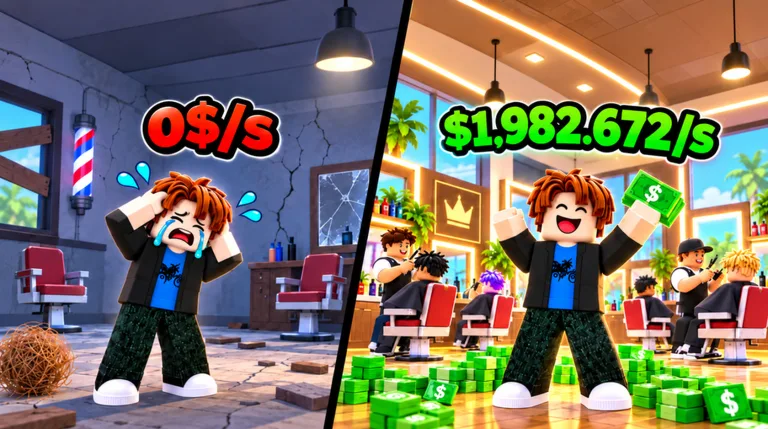 Image: Roblox / Roll a Barber Studio
The key early unlock is Auto Roll after 30 rolls. Until then, keep using the manual roll control. Once the requirement is complete, activate Auto Roll to continue rolling automatically.
- Follow the opening tutorial’s roll instruction.
- Open your backpack and equip the barbers you obtain.
- Continue rolling until you reach 30 rolls.
- Activate Auto Roll once it unlocks.
- Reopen your backpack periodically to update your equipped workers.
| Rolling feature | Requirement or action | What changes |
|---|---|---|
| Manual Roll | Select the roll control | You initiate each roll |
| Auto Roll | Complete 30 rolls, then activate it | Rolling continues automatically |
| Fast roll upgrade | Purchase the upgrade through progression | Improves rolling speed |
| Luck upgrades | Purchase available luck improvements | Increase luck for rolls |
The Roll a Barber RNG controls become easier to manage once Auto Roll is available, but keep checking your collection. Automatic rolling and equipping workers are separate interactions. Use the backpack’s option for equipping your best workers after adding new barbers to your collection.
Pause rolling when you want to review your lineup or buy upgrades. That gives you time to compare what you have without immediately moving on to another result.
Keep the distinction between rolling speed and haircut speed clear. Fast roll affects the process of obtaining barbers. Cutting upgrades affect the work happening inside your shop. Choose the upgrade that addresses the part of the game you want to improve.
Open the Backpack and Equip Your Workers
The backpack connects your rolls to the shop floor. Open it after your early rolls, after expanding your chairs, and whenever you want to check for a stronger worker.
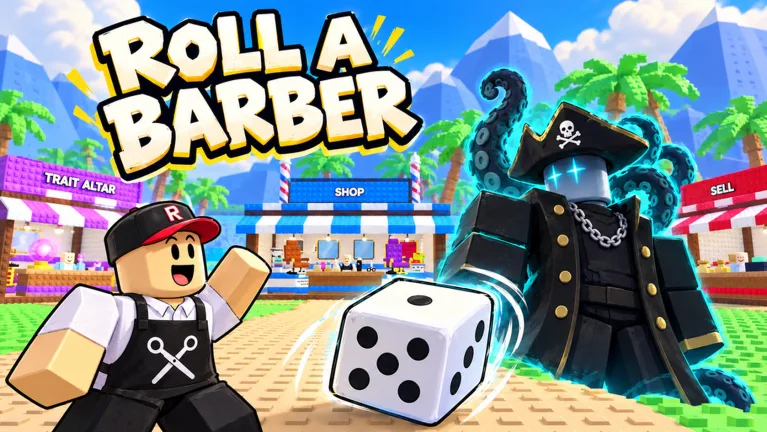 Image: Roblox / Roll a Barber Studio
Use the option that equips your best workers to update your lineup quickly. This becomes especially useful after Auto Roll has added more barbers to your collection.
Make backpack checks part of your routine:
- Equip workers after completing the tutorial’s opening rolls.
- Check your collection after obtaining a higher-rarity barber.
- Revisit your equipped lineup after adding a chair.
- Compare earnings and cutting speed when evaluating workers.
A higher earning amount deserves attention, but so does the time a barber takes to finish a customer. Workers can differ in both income and speed. Compare those details together when deciding how to arrange your shop.
For example, a worker with an attractive payout can also have a slow haircut cycle. Watch how the equipped barber handles customers before spending additional resources on that setup. Avoid judging a worker entirely by the largest number on its display.
Understanding Roll a Barber RNG controls also means knowing when to return to an earlier menu. After a chair upgrade, open the backpack again. After new rolls, review your equipment again. Those repeated checks connect your collection progress to the barbers actually working.
The backpack is also useful when a shop expansion looks incomplete. If you have increased capacity but still need another worker, inspect your collection and equip one. Keep the sequence simple: expand, equip, then watch the shop operate.
You do not need to manually perform every haircut. Once the workers are in place, customers are handled automatically. Spend your attention on staffing, upgrades, and the next useful roll.
Upgrade Chairs, Customers, Cutting Speed, and Equipment
The skill tree is where several parts of your business come together. Its upgrades include additional chairs, customer improvements, fast rolling, luck, and money-related improvements. Cutting upgrades also help barbers finish their work faster.
Open the tree and inspect the available upgrades before spending. Some options require more money or other resources than you currently hold. Check the displayed requirement rather than repeatedly selecting an unavailable purchase.
| Upgrade or purchase | What it changes | What to check afterward |
|---|---|---|
| Additional chair | Expands the number of chairs | Your equipped worker lineup |
| Customer upgrade | Increases customers | How your staffed chairs handle demand |
| Cutting speed | Speeds up haircut processing | How quickly workers finish customers |
| Fast roll | Improves rolling speed | Your rolling routine |
| Luck | Improves luck | Your next rolling session |
| Money improvement | Raises earnings | Your shop’s income |
| Shop equipment | Can improve earnings | Your remaining upgrade budget |
Use the Roll a Barber RNG controls in a sequence that matches what is happening on your floor. If you are preparing to add another worker, inspect the chair upgrade. If haircut processing is the part you want to speed up, inspect cutting improvements.
Match expansion with staffing
Buy a chair, then return to the backpack and equip a worker. Repeat that check whenever you expand. Chairs and workers are separate parts of the setup, so handle both before moving on.
Customer upgrades are another part of the same loop. Review your staffed chairs alongside your customer count when choosing your next purchase. Expand with a clear purpose instead of selecting every available upgrade without looking at the shop.
Keep shop equipment in the rotation
Visit the shop when the tutorial directs you there and complete the requested upgrade. Return as your budget grows to inspect further equipment improvements.
Equipment can increase incoming money, giving you another way to develop your business beyond rolling for a different barber. Compare the displayed purchase cost with the next skill-tree upgrade before deciding where to spend.
Read each upgrade’s displayed effect
Pay attention to whether an upgrade changes money, luck, roll speed, or cutting speed. Those benefits affect different activities.
For a focused session, choose the activity you want to improve and inspect the matching upgrade. Speed up rolling when you want to work through more rolls; improve haircut processing when you want faster service. Keep enough attention on the backpack to put newly obtained workers into use.
Claim Rewards, Handle Rebirth, and Enter the Halloween Hunt
Rewards give you more interactions to check between rolls and upgrades. Daily rewards involve talking to an NPC, completed quests have claim actions, and playtime rewards can include potions.
When you see a reward or quest indicator, open the relevant interaction and read what is ready. Collect completed rewards before returning to your shop routine.
| Feature | How you interact | Reward or consequence |
|---|---|---|
| Daily reward | Talk to the daily-reward NPC | Claim the available daily reward |
| Quests | Open the quest interaction and claim completed objectives | Receive quest rewards |
| Playtime rewards | Select an available reward | Collect rewards, including potions |
| Rebirth | Use the rebirth interaction | Resets money; the skill tree remains |
| Halloween hunt | Enter the event and collect candy | Earn event candy during a timed activity |
These Roll a Barber RNG controls cover several different decisions. Claiming an available reward collects something you have earned. Rebirth changes your current money balance, so read that screen carefully before selecting it.
Check your money before rebirth
Rebirth resets your money. The skill tree remains after the reset, but your cash balance is still something to consider before committing.
Look at the current requirement and the reset description on the rebirth screen. Compare that decision with any purchase you are preparing to make. Keep the reset in mind when planning an expensive upgrade.
Collect candy during the Halloween event
The October 2026 Halloween hunt takes you into a timed candy-collection activity. Collect candy while navigating interference from threats in the event area, then return home to your barber shop.
Watch the event timer and keep moving toward candy. After returning, check your event progress and your regular shop menus. The hunt adds another activity to the session, while the backpack and skill tree remain central to developing your business.
Before leaving for another hunt, run through a short checklist: equip workers, inspect affordable upgrades, and claim completed rewards. With Roll a Barber RNG controls organized into that routine, switching between your shop and the event becomes much easier.
FAQ
What are the main Roll a Barber RNG controls?
The main interactions are the on-screen Roll control, backpack, Auto Roll, skill tree, shop, and NPC conversations. Use them to obtain barbers, equip workers, improve your business, and claim rewards. Haircuts run automatically once your workers are operating.
How do you unlock Auto Roll?
Complete 30 rolls, then activate Auto Roll. Keep checking your backpack afterward so you can equip workers from your growing collection. Unlocking automatic rolling gives you a more convenient way to continue obtaining barbers.
Why should you check the backpack after buying a chair?
A chair upgrade expands your shop’s seating, while the backpack handles your workers. Open it after adding a chair and equip a barber for the expanded setup. Repeat this check as you purchase more capacity.
Does rebirth reset your money?
Yes. Rebirth resets your money, while the skill tree remains in place. Read the current rebirth screen before committing, especially when you are also considering an expensive shop purchase.
Continue with
 Roll a Barber RNG Create Altar: Shop Progression GuideExplore Roll a Barber RNG create altar prompt, unlock Auto Roll, and improve your shop with barber upgrades, faster cuts, rewards, and rebirth planning.
More in Guide
Roll a Barber RNG Map Guide: Shops, Rewards & Events
Explore the Roll a Barber RNG map, find the shop and reward NPCs, and learn how to enter Halloween candy hunts while keeping your barber shop growing fast.
Roll a Barber RNG Second Floor: Shop Progress Guide
Build toward your Roll a Barber RNG second floor with practical tips on chairs, barber rolls, cutting speed, skill tree upgrades, and steady cash growth.
Roll a Barber RNG Backpack: Equip Your Best Barbers
Learn how to use the Roll a Barber RNG backpack, equip your best barbers, fill new chairs, and pair your lineup with upgrades that keep your shop earning.

Roll a Barber RNG Farm Money During Active Play: Tips
Roll a Barber RNG farm money during active play with smarter worker swaps, chair upgrades, auto-roll, and reward claims. Build your shop's earning power.
Continue exploring
Roll a Barber RNG Selling Barbers: Smart Cash Guide
Roll a Barber RNG selling barbers guide: learn where to sell, what to keep, and how to compare barber earnings before spending your cash on shop upgrades.
Roll a Barber RNG Potions: Rewards and Rolling Tips
Learn how to get Roll a Barber RNG potions from rewards and codes, unlock auto roll, and understand luck passes before spending Robux on your next upgrade.
Join the community
Official channels for news, updates and player help: